Comparison
Best Bilingual Voice-Cloning Tools for English and German
Compare bilingual voice cloning for English and German by accent transfer, speaker identity, local privacy, workflow, and commercial-use checks.
 Murmur9 min read
Free plan with Kokoro voices, scripts up to 1,500 characters · 3-day Pro trial, then $49 once
For local English and German voice cloning, start with Qwen3-TTS or Chatterbox Multilingual, then choose the app that makes repeated testing manageable. Qwen3-TTS publishes German and English benchmark results and supports multilingual cloning in its official repository. Chatterbox Multilingual lists both languages, uses a 500M-parameter model, and is designed for cross-language voice cloning. Murmur packages both model families into a Mac production workflow with reusable voices, scripts, projects, alternate takes, a queue, and export. VoiceNPC is a better fit when translation and iPhone, iPad, and Mac use matter more than a desktop timeline. OpenVox offers a free evaluation path and broader platform coverage. Do not choose from one polished sentence. Test a clean reference, matched English and German passages, mixed-language text, names, numbers, and a 300-word endurance passage before committing.
In this comparison
- The five strongest English-German options
- A fair bilingual test method
- Accent transfer versus speaker identity
- Code-switching and difficult German text
- Local privacy and model licenses
- Which workflow fits narration, localization, and dialogue
English-German voice cloning at a glance
| Option | Core approach | English and German | Best fit | Main caution |
|---|---|---|---|---|
| Murmur with Qwen3-TTS or Chatterbox | Local Mac production app with several model families | Both supported by the named multilingual models | Recurring narration, projects, alternate takes, timeline and export | Apple Silicon Mac; larger models need downloads and more memory |
| Qwen3-TTS | Open model repository with 0.6B and 1.7B families | Official benchmark tables include both | Developers and measured cross-language testing | A repository is not a finished production studio |
| Chatterbox Multilingual V3 | 500M multilingual cloning model | Both are in the official 23-language list | Open experimentation and cross-language cloning | Single language ID per generation complicates mixed-language sentences |
| VoiceNPC | Local Apple-device app built around Qwen3-TTS | English and German are listed among its languages | Translation and work across iPhone, iPad, and Mac | Projects are organized differently from a desktop audio timeline |
| OpenVox | Local multi-model app for Mac, iPad, and Windows | Model-dependent multilingual support | Free evaluation, voice conversion, local API, wide language work | Check the selected model and platform-specific export terms |
This is not a universal quality ranking. The same checkpoint can behave differently across runtimes, precision levels, reference recordings, and sampling settings. Product features also change faster than model papers. Facts here were checked against official repositories and product pages on July 13, 2026. Run the fixed script before purchase or deployment.
What bilingual voice cloning actually has to preserve
A cross-language clone has at least three jobs. It must say the target words correctly, retain enough vocal identity that listeners recognize the speaker, and avoid dragging the source-language accent into every target sentence. Those goals can conflict. A model may preserve timbre while pronouncing German vowels like English. Another may sound like a native German speaker but lose the reference speaker’s rhythm and age cues.
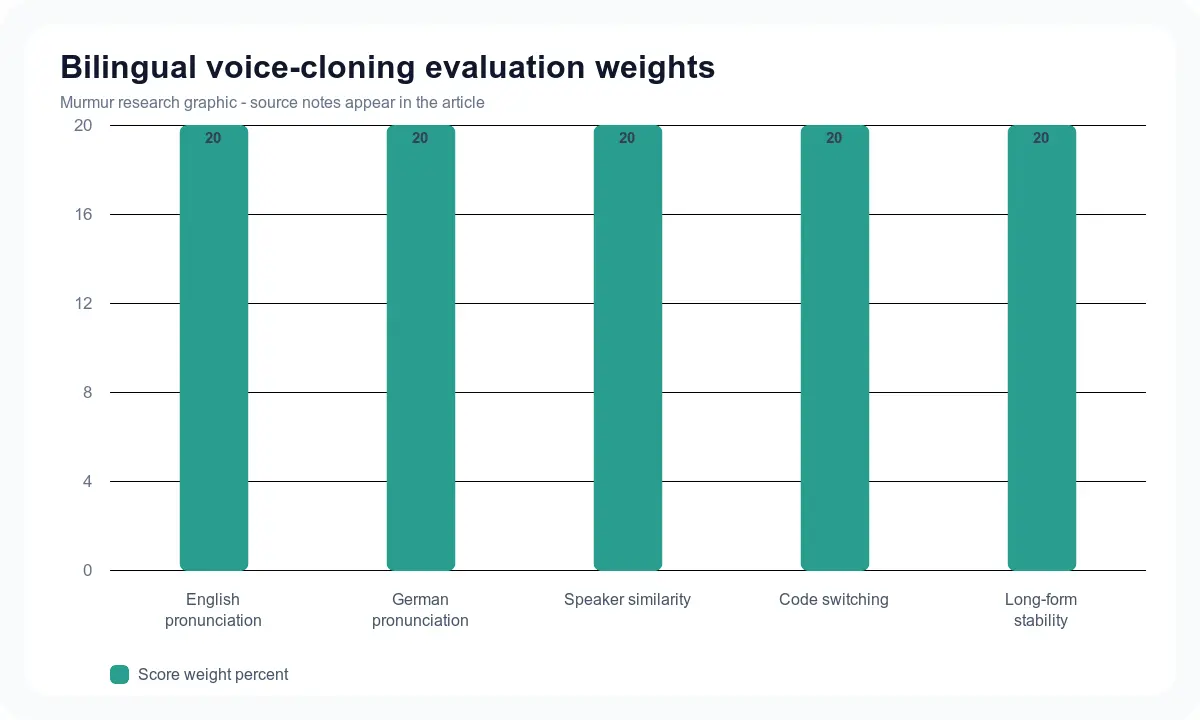
Separate the scores. Measure script fidelity with a transcript or word error rate. Ask bilingual listeners to rate pronunciation and accent. Ask different listeners to match each output to the reference speaker. Then rate naturalness blind. Qwen’s official repository follows this logic by reporting word error rate for content consistency and cosine similarity for speaker similarity across languages, including English and German. Those are vendor results, not a promise for your Mac, but the measurement categories are sound.
1. Murmur for a repeatable bilingual production workflow
Murmur is the practical choice when the output must become a finished project rather than a model demo. Its current catalog includes Qwen3-TTS and Chatterbox alongside other local models. The app adds reusable voices, scripts, speaker assignment, a generation queue, alternate takes, project organization, timeline editing, and WAV or M4A export. That makes it easier to keep an English source, German translation, pronunciation notes, and approved takes together.
The tradeoff is platform and hardware. Murmur runs on Apple Silicon and the current app targets macOS 15 or later. Larger cloning models require downloads and more unified memory than a light bundled voice. Murmur costs $49 once, has a free plan and a 3-day Pro trial, and includes a 7-day refund policy. Use the voice-cloning preparation guide to record a clean reference, then compare the same text across models before building a long project.
2. Qwen3-TTS for measured English-German model testing
The official Qwen3-TTS repository is unusually useful for this language pair because it publishes separate English and German results for content consistency and speaker similarity. The family includes base models for voice cloning, custom voices, Voice Design, and streaming-oriented generation. Its repository and license file use Apache 2.0, but a commercial project should still record the exact checkpoint, runtime, dependencies, reference-voice consent, and any app terms wrapped around it.
Qwen3-TTS is a good research baseline, not an automatic winner. Its German output can preserve a reference speaker while still mishandling compound nouns, abbreviations, or English product names inside a German sentence. Test “ch,” umlauts, final consonants, dates, decimals, and names. For mixed-language narration, generate language-homogeneous chunks where possible, then join them with consistent room tone.
3. Chatterbox Multilingual for open cross-language cloning
Resemble AI lists German and English among 23 supported languages in Chatterbox Multilingual V3. The official repository describes the model as 500M parameters and says V3 improves speaker similarity while reducing repetition, continuation, and off-prompt speech. The repository is MIT licensed and every generated file includes Resemble AI’s PerTh watermark according to its documentation.
The important limitation is language routing. Chatterbox uses a language identifier for a generation. An open feature request documents why native code-switching inside one sentence remains awkward: one language ID cannot describe a line that switches between German and English. Split at a natural boundary, generate each part with the appropriate language ID, and compare the join. The repository also warns that a reference clip whose language does not match the selected tag can transfer an unwanted accent.
4. VoiceNPC for translation across Apple devices
VoiceNPC is built around local Qwen3-TTS generation and makes translation a first-class step. Its official site describes iPhone, iPad, and Mac support, voice cloning from short audio, and multi-language generation. That is useful for a creator who records an English reference on a phone, reviews a German translation, and generates on the same device family. It also reduces the amount of custom model plumbing needed for a first test.
Translation quality and voice quality are separate. Review the German script before synthesis, especially formal versus informal “you,” separable verbs, numbers, and brand terminology. A fluent-sounding voice can hide a wrong translation. VoiceNPC and Murmur solve different workflow problems, so the Murmur versus VoiceNPC comparison is the better next read if platform and project tools will decide the purchase.
5. OpenVox for free evaluation and broader platforms
OpenVox is a sensible test bench when you want a free starting point, Windows or iPad support, several local models, voice conversion, or a local API. Its broad language claim comes from the available model lineup, so verify English and German on the exact engine you select. Do not treat a product-level language count as proof that every included model clones both languages equally well.
The workflow is closer to a broad local voice toolkit than a single-purpose bilingual cloner. That breadth is helpful for experiments, but it adds choices around engines, voices, and export. The Murmur versus OpenVox comparison covers current platform, pricing, model, API, audiobook, and project differences.
Use this fair English-German test
- Record 20 to 30 seconds of clean speech from one consenting speaker. Keep room tone and microphone position stable.
- Create matched English and German passages with the same meaning, emotion, numbers, and proper names.
- Generate each language separately with the documented language setting. Keep model version and settings fixed.
- Run three generations per passage. Do not keep only the best take.
- Transcribe outputs and mark omissions, substitutions, added words, and wrong numbers.
- Ask at least two fluent German speakers to rate pronunciation and accent without seeing the model name.
- Ask separate listeners to match outputs to the reference voice and rate naturalness.
- Run one 300-word passage to expose drift, repetition, and clipped endings.
The media manifest includes a fixed 92-word bilingual script. It contains dates, money, an abbreviation, a name, a German compound noun, and a deliberate language switch. Publish every generated clip that meets consent and model-output terms, not only the winner. Label all settings and keep the raw WAV masters.
Reference audio matters more than most settings
Use one speaker, little reverberation, and no music. A reference dominated by English can encourage an English accent in German output, while a German reference may change English rhythm. If the speaker is bilingual, record two matched references and test both directions. If the speaker is monolingual, disclose that the target-language accent is synthetic and have a native listener review it.
Do not clone a public figure, actor, colleague, or customer without clear permission. Model licenses govern software and weights. They do not grant rights to someone’s voice, script, trademark, performance, or training data. Store the consent record beside the project and define where the clone may be used, how long it may be retained, and who can export it.
Bilingual production checklist
- Consent covers both cloning and publication in both languages.
- The translator has approved names, formality, numbers, and terminology.
- The exact model, checkpoint, app version, and language setting are recorded.
- English and German clips use matched loudness and room tone.
- A native German listener has checked pronunciation and accent.
- Mixed-language lines are tested both whole and split by language.
- Raw WAV masters and transcripts are retained.
- Commercial use is checked for the app, model weights, voice, and source material.
Frequently asked questions
Choose the workflow, then prove the voice
Qwen3-TTS and Chatterbox Multilingual are the two most defensible local starting points for English-German voice cloning. VoiceNPC makes translation and cross-device work easier. OpenVox offers a broad, lower-cost test bench. Murmur is built for the Mac creator who needs the bilingual test to become an organized production with scripts, speakers, retakes, a timeline, and export. Browse Murmur voices, then run the fixed script before a long narration.
Sources
- Qwen3-TTS official repository and multilingual benchmarksAccessed 2026-07-13
- Qwen3-TTS Apache 2.0 repository licenseAccessed 2026-07-13
- Resemble AI Chatterbox official repositoryAccessed 2026-07-13
- Chatterbox code-switching feature requestAccessed 2026-07-13
- VoiceNPC official siteAccessed 2026-07-13
Build bilingual voice projects locally on your Mac
Murmur costs $49 once and includes local model choices, voice cloning, projects, alternate takes, a queue, timeline editing, and WAV or M4A export. There is a free plan and a 3-day Pro trial and purchases have a 7-day refund policy.
macOS 15+ · Apple Silicon required · 7-day refund policy