Pocket TTS on Mac: Can CPU-Only Voice Cloning Replace a GPU Model?
A practical Pocket TTS Mac guide covering CPU speed, voice cloning, setup, limitations, test audio, and the jobs where a 100M-parameter model can replace a GPU workflow.
 Murmur9 min read
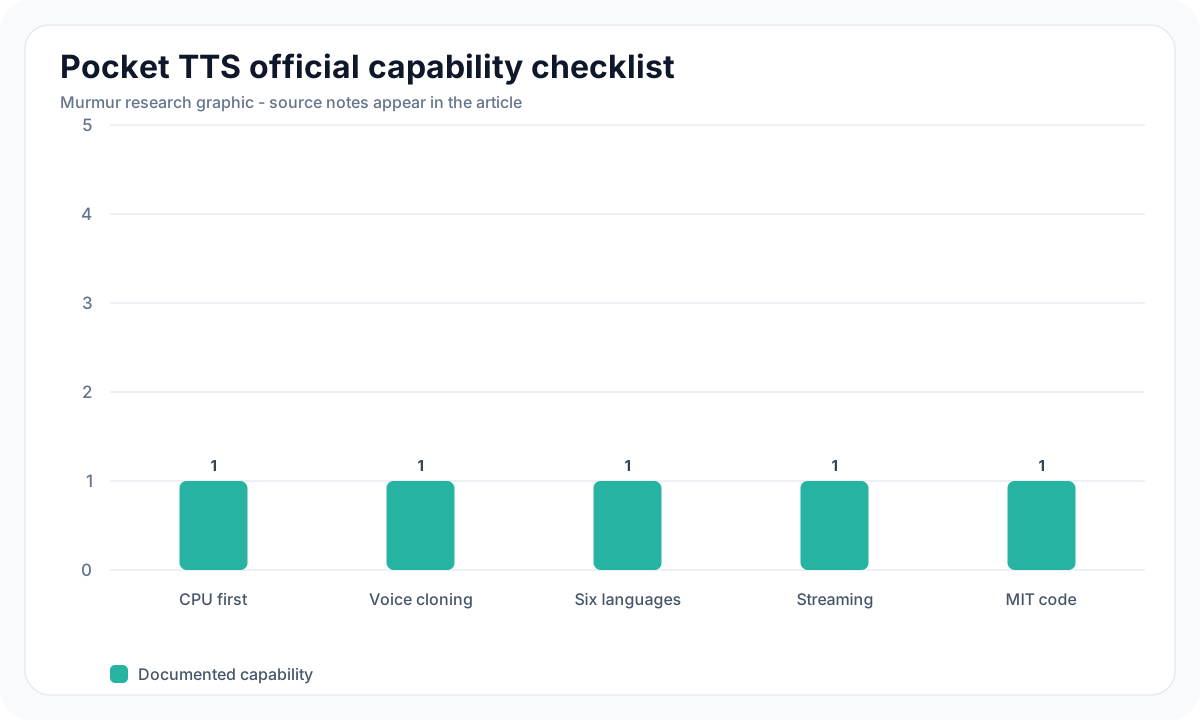
Verdict: Pocket TTS can replace a GPU model on a Mac when the priority is private, responsive narration or cloning with modest hardware. Kyutai's official project is a 100M-parameter CPU model, streams its first chunk in about 200 ms, uses two CPU cores, and reports roughly 6× real-time generation on a MacBook Air M4. It supports English, French, German, Portuguese, Italian, and Spanish. It does not replace a large GPU model when you need theatrical acting, fine-grained style controls, or proven quality across many languages. For creators with a MacBook Air, its practical advantage is simple: the GPU remains free for editing, rendering, or another local model.
Pocket TTS on Mac at a Glance
| Question | Answer |
|---|---|
| Model size | 100M parameters |
| Compute | CPU-first; official code does not require GPU PyTorch |
| Official Mac result | About 6× real time on MacBook Air M4 CPU |
| First audio chunk | About 200 ms in Kyutai's test |
| CPU use | Two cores in the official configuration |
| Voice cloning | Yes, from an audio prompt or exported voice state |
| Languages | English, French, German, Portuguese, Italian, Spanish |
| License | MIT for the repository; check each supplied reference voice separately |
| Best fit | Fast local narration, previews, accessibility, agents, low-resource cloning |
In This Guide
- What Pocket TTS is
- What the official speed claim means
- Installation on Apple Silicon
- Cloning a voice with consent
- A fair CPU-versus-GPU test
- Audio and chart plan
- Known limitations
- When Murmur is the easier route
- Frequently asked questions
What Pocket TTS Actually Is
Pocket TTS is an open-source text-to-speech model and runtime from Kyutai. The official repository supports Python 3.10 through 3.14, requires PyTorch 2.5 or newer, and states that the GPU build of PyTorch is unnecessary. It offers a command-line tool, Python API, streaming output, a local HTTP server, voice cloning, and exported voice-state files. The repository is MIT licensed, while reference voices can carry their own licenses.
The model is intentionally small. Kyutai reports 100M parameters and describes an architecture designed around efficient CPU inference in its Pocket TTS technical report. The project authors say a batch size of one and the model's size meant their GPU experiment did not produce a speedup. That is an upstream observation, not proof that every CPU beats every GPU. It does explain why Pocket TTS should be judged as a specialized low-compute system rather than a reduced version of an 8B model.
Its six-language support is current as of this draft. The README notes larger 24-layer variants for non-English languages that trade speed for quality. If your project needs Japanese, Mandarin, Arabic, Hindi, or code-switching outside the documented set, choose another model. Compare the wider field in The Best Local TTS Models for Mac.
Can CPU-Only Voice Cloning Replace a GPU Model?
Yes for several ordinary production jobs. A CPU model can produce scratch narration while Final Cut Pro or DaVinci Resolve uses the GPU. It can run on a MacBook Air without an external server. It can provide a private local voice for reading articles, application accessibility, game dialogue previews, and voice-agent responses. Six-times real time means one minute of audio in roughly ten seconds under Kyutai's stated M4 Air test, before accounting for model load and voice preparation.
No when “replace” means identical expressive range or language breadth. Larger models may provide stronger emotional control, cross-language identity, pronunciation tools, multi-speaker dialogue, and better stability on difficult long-form scripts. Pocket TTS currently lists adding silence through text input as unsupported. That matters for producers who depend on explicit pause tags. Quality also follows the reference: Kyutai warns that the model reproduces noise and defects from the prompt audio.
| Decision factor | Pocket TTS on CPU | Larger GPU-oriented model |
|---|---|---|
| Startup goal | Fast local response after model load | Often heavier load and compile path |
| Hardware contention | Leaves GPU available | Competes for GPU or unified memory |
| Voice cloning | Audio prompt or saved voice state | Often supports cloning plus more controls |
| Expressive control | Primarily follows prompt and voice | May add emotions, style tags, duration or phoneme control |
| Languages | Six documented languages | Varies; some current models list 20 to 30+ |
| Deployment | CLI, Python, local server, streaming | Often Python and GPU server; varies by model |
| Best buyer | Mac user who values efficiency and privacy | Studio that accepts setup and memory costs for control |
How to Install Pocket TTS on Apple Silicon
The quickest official path uses uvx, which creates an isolated environment. Install uv from its official documentation, then run uvx pocket-tts generate. The command downloads the needed package and model, writes a WAV file, and prints speed statistics. A conventional environment can use pip install pocket-tts. Keep the environment separate from production Python projects so PyTorch and audio dependencies do not collide.
- Confirm the Mac uses Apple Silicon and has Python 3.10 or newer.
- Install uv, then run uvx pocket-tts generate for the smallest smoke test.
- Run uvx pocket-tts serve and open http://localhost:8000 for the local interface.
- Select a built-in voice before adding a reference recording.
- Generate the fixed test script and note cold load time, warm generation time, and memory.
- Export a voice state only after the reference clip passes the consent and quality checks.
The server route is better for repeated testing because the model stays loaded. The official README explicitly recommends it when comparing voices and prompts. A first CLI call combines environment startup, download, model load, and synthesis, so it should not be reported as steady-state generation speed. Time both cold and warm runs.
How Pocket TTS Voice Cloning Works
The Python API loads TTSModel, derives a voice state from a built-in voice, local audio path, or supported Hugging Face reference, and passes that state with the target text into generate_audio. Preparing a state from audio is relatively slow. Kyutai provides export-voice so the result can be saved as a safetensors file and loaded quickly in later sessions.
Use only your own voice or a speaker who gave informed permission for this use. Record 15 to 30 seconds in a quiet, dry room with one microphone position and steady delivery. Remove background music, room echo, other speakers, and aggressive processing. Do not “clean” a sample so heavily that it changes the person's identity. Keep the original consent record with the project.
- Speak full sentences rather than isolated words.
- Include the speaking style you want the output to inherit.
- Avoid clipping, automatic noise gating, and music beds.
- Keep the prompt language aligned with the target language for the first test.
- Listen for copied background noise before judging voice similarity.
- Delete reference data when a speaker withdraws permission or the project ends.
The Mac Benchmark We Would Publish
A credible Pocket TTS Mac test needs multiple chips and one fixed script. Run the official CPU backend on M1, M2, M3, and M4 machines where available, with 8 GB and 16 GB configurations separated. Measure model load, voice-state preparation, first chunk, total generation time, real-time factor, peak memory, and output completion. The chart should distinguish Kyutai's published M4 Air result from Murmur's measured values.
Use the same 82-word script as the local TTS completion benchmark: At 7:45 a.m. on Tuesday, Dr. Rivera checked Room 3B and said, “The revised total is $49.95, not $94.95.” Maya paused, reread the note, and asked, “Should we ship twenty-one units today, or wait until July 18?” After a brief call, the team approved the smaller order. Nothing dramatic happened; every label, number, and name simply had to be spoken exactly once, in the right order.
How to Read the Audio Examples
Listen once without the transcript and once while following every token. On the first pass, note pacing, breathiness, artifacts, and whether the speaker identity holds across the sentence. On the second, check 7:45, Dr. Rivera, Room 3B, both prices, twenty-one, and July 18. A convincing cloned timbre does not excuse a changed number. Downloadable masters should include model version, language variant, reference length, seed, sample rate, Mac model, and generation time in adjacent metadata.
The official Pocket TTS demo is useful for hearing Kyutai's intended quality. Link to it rather than copying its recordings unless Kyutai grants explicit media republication rights. The first-party players specified in the media manifest must use audio generated by Murmur with a consented reference, so the site controls the script, metadata, and permission chain.
Pocket TTS Limitations That Matter
Explicit silence tokens are not currently supported in text input according to the official repository. You can split text and assemble files with inserted silence during post-production, but that changes the workflow and may create audible seams. The project also warns that creating a voice state from raw audio is slower than loading an exported state. Applications should cache the state securely instead of rebuilding it for every sentence.
“Infinitely long text inputs” in the project description should be interpreted as a streaming design claim, not a guarantee that an unedited book will be perfect. Long-form production still needs chunk boundaries, pronunciation review, retry logic, and a completion audit. Test one representative chapter before committing to an audiobook. For a dedicated long-form comparison, see local voice-cloning apps for Mac.
The official package is a developer tool. A creator who wants projects, model management, voice selection, history, and exports may prefer a native interface. Murmur's voice catalog shows the supported local workflows, while What Is MLX TTS? explains why Apple Silicon-specific runtimes can matter for other model families.
Who Should Use Pocket TTS
- MacBook Air owners who want a small local speech system without reserving the GPU.
- Developers building a private streaming voice, screen reader, local agent, or game prototype.
- Editors who need quick narration drafts while GPU-heavy creative software remains open.
- Teams that can manage Python environments and consented voice-state files.
- Multilingual projects limited to the six currently documented languages.
Choose a larger model when performance direction is more important than efficiency, when the target language is unsupported, or when explicit pause, phoneme, emotion, and multi-speaker controls are required. Choose a native app when the model is only one part of the job and you need a repeatable project workflow more than a Python API.
Frequently Asked Questions
Conclusion
Pocket TTS on Mac makes CPU-only voice cloning credible for everyday local work. Its 100M-parameter size, streaming design, two-core target, and official M4 Air result make it especially relevant to laptop users. It is not a universal substitute for a large GPU voice model. It is the better tool when speed, privacy, and low resource contention matter more than maximal control. Run the fixed script, score completion, and keep the GPU available for the rest of the project.
Create Local Speech Without Managing Python
Download Murmur for a native Apple Silicon voice workflow with local model management, projects, history, and exports. Buy Murmur for $49 as a one-time purchase.
macOS 15+ · Apple Silicon required · 7-day refund policy