AI Voice Watermarking and Commercial Rights: What Creators Need to Check
A creator-first guide to AI voice watermarking, model licenses, cloned-voice consent, disclosure, and commercial-use checks before publishing audio.
 Murmur8 min read
Verdict: A model's open-source label does not give you permission to clone any person, republish every demo, or use every output in paid work. Before publishing, check five separate things: the model and weights license, the source recording rights, the speaker's consent, the intended use, and any disclosure or provenance requirement. Watermarking can help identify synthetic audio, but it does not replace consent, a commercial license, or a plain disclosure to listeners. For a low-risk production, use a voice you own or have documented permission to use, keep the model license with the project, label synthetic speech when context could mislead, and save the generation settings. This article is practical publishing guidance, not legal advice. Laws vary by country and state, so get qualified legal advice for advertising, political content, celebrity voices, employment, healthcare, or a disputed identity right.
In this guide
- What AI voice watermarking can and cannot prove
- The five rights checks that apply before commercial use
- How common local TTS licenses differ
- When voice consent and disclosure matter
- A publish-ready clearance checklist
- Audio, chart, and video examples
What is AI voice watermarking?
AI voice watermarking places a machine-detectable signal in generated audio so a compatible detector can test whether the signal is present. The mark may be designed to remain detectable after compression or editing. It is different from an audible announcement, ordinary file metadata, and a signed provenance record. Each mechanism answers a different question. A watermark can indicate that a participating generator touched the audio. Metadata can carry descriptive fields but may be stripped. A provenance system can record a signed history of creation and edits. A spoken or written disclosure tells the audience what they need to know.
Resemble AI's official Chatterbox repository says every Chatterbox-generated audio file includes its PerTh perceptual watermark. The repository also provides extraction code and claims the mark survives MP3 compression and common editing. That is a useful product-specific feature, not proof that every AI voice tool is marked or that every detector works across models. If an audio file has no PerTh signal, the safe conclusion is only that this detector did not find that watermark. It does not prove the file was recorded by a human.
| Mechanism | What it can communicate | Main limitation | Creator action |
|---|---|---|---|
| Imperceptible watermark | A compatible generator likely produced the audio | Detection is vendor-specific and may not explain who consented | Keep the detector, model version, and test result with the project |
| File metadata | Model, author, date, or editing notes | Exporters and platforms can remove or rewrite fields | Use it as a convenience, not the only disclosure |
| C2PA Content Credentials | Signed provenance and edit history across compatible tools | The publishing chain and audience player must preserve and display it | Validate the credential after the final export and upload |
| Visible or audible disclosure | The audience is told that speech is synthetic or cloned | It may not travel with a copied excerpt | Place it near the player and inside high-risk audio when appropriate |
| Consent record | The speaker authorized a defined use | It is private production evidence, not public provenance | Store scope, duration, territories, revocation terms, and compensation |
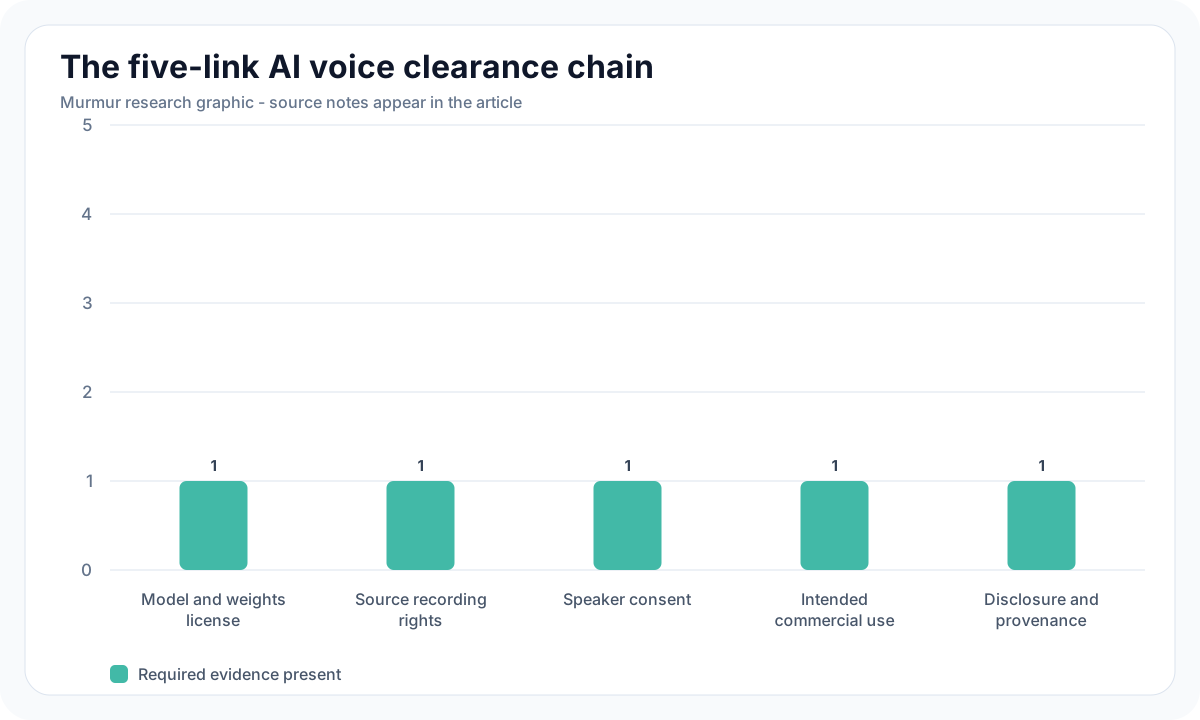
The five rights checks before you publish
1. Check the code and model-weight licenses
A repository can contain code, model weights, sample recordings, documentation, and trademarks under different terms. Read the license attached to the exact checkpoint you use, not only the badge on the main repository. Save a copy or permanent link and record the date. If you use a converted or quantized checkpoint, follow its source model back to the upstream license and check whether the conversion adds terms. An app can simplify installation, but it cannot broaden an upstream model license.
2. Clear the reference recording
Voice cloning usually starts with a recording. Permission to listen to a podcast, movie, audiobook, livestream, or social clip is not permission to copy the recording into a model workflow. The sound recording may have a copyright owner separate from the speaker. A paid voice actor may have licensed one finished performance without agreeing to cloning. Use a recording you made under a clear agreement, or obtain permission from the relevant recording owner and speaker. Do not download an official model demo and treat its voice as training material unless the publisher explicitly grants that right.
3. Get specific consent from the voice owner
Consent should name the voice, the project, the allowed media, commercial status, term, territory, editing rights, model training or cloning permission, and what happens to stored references when the work ends. A broad release may be inappropriate for a one-off job. A vague email saying "sounds good" may not cover future ads, game dialogue, translations, or sublicensing to a client. Keep the signed agreement and reference-audio provenance with the project. For your own voice, write down the same boundaries so a collaborator or client cannot assume unlimited reuse.
4. Match the permission to the actual use
Commercial use is broader than selling an audio file. A monetized video, client project, paid course, product voice, internal business operation, advertisement, or service can fall inside a license's commercial definition. Fish Audio's current Research License, updated March 7, 2026, says commercial use of its materials requires a separate written license and expressly includes internal business operations and fee-generating products or services. It says output ownership belongs to the user to the extent permitted by law, but it also applies use restrictions to outputs. Read the entire license rather than isolating one ownership sentence.
5. Decide how to disclose synthetic speech
Disclosure should be proportional to the risk of confusion. A clearly fictional game character may need a credit-page note. A realistic testimonial, news clip, customer-service call, political message, or public figure impression needs much clearer treatment and may be prohibited even with a label. The EU AI Act defines deep fakes to include AI-generated or manipulated audio that resembles existing people, objects, places, entities, or events and falsely appears authentic. Article 50 includes disclosure duties for deployers of deep-fake content, with context-specific treatment for artistic, creative, satirical, and fictional work. Most Article 50 obligations apply from August 2, 2026. Confirm how the rule applies to your role and market with counsel.
In the United States, the legal picture also includes state publicity and privacy rights, contract, consumer-protection rules, and laws addressing impersonation. The U.S. Copyright Office digital replicas report explains why a person's voice and the copyright in a recording are distinct interests. The Federal Trade Commission also states that existing laws have no AI exemption and discusses deceptive voice-cloning harms. A model license cannot authorize deception or waive another person's identity rights.
Common local TTS licenses compared
| Model or project | Official license checked July 13, 2026 | Commercial-use signal | What still needs clearance |
|---|---|---|---|
| Kokoro | Apache License 2.0 | Permissive model and code license | Chosen voice, input text, references, trademarks, and jurisdiction |
| Qwen3-TTS Base | Apache License 2.0 on the official model card | Permissive checkpoint license | Reference recording and speaker consent for cloning |
| Chatterbox | MIT on the official repository | Permissive software license with built-in PerTh watermarking | Reference recording, speaker consent, output context, and disclosure |
| SparkTTS | Apache 2.0 repository code; the <a href="https://huggingface.co/SparkAudio/Spark-TTS-0.5B">official weights</a> use CC BY-NC-SA 4.0 | Do not infer commercial permission from the code license | Exact checkpoint license and any share-alike obligations |
| Fish Audio S2 Pro | Fish Audio Research License | Separate written license required for commercial use | Commercial agreement, attribution, acceptable use, and voice consent |
This table is a routing aid, not a substitute for the current license text. Licenses change, model cards can be corrected, and a hosted service may have terms that differ from downloaded weights. For a broader model comparison, read The Best Free and Local TTS Models in 2026. For a concrete setup, the Kokoro TTS on Mac guide covers a permissive preset-voice starting point.
Watermark, metadata, and Content Credentials are complementary
The Coalition for Content Provenance and Authenticity publishes the C2PA technical specification for recording media provenance. A Content Credential can describe who signed an asset and what happened in a compatible editing chain. That can provide richer history than a binary audio watermark. It still does not decide whether the speaker authorized the clone or whether a use is lawful. Provenance records claims and actions. Rights clearance establishes permission. Audience disclosure explains the synthetic nature of the result.
Use more than one layer for sensitive work. Keep an internal consent record and model manifest. Add a plain-language credit near the published player. Preserve provenance through the final encoder when your tools support it. Retest any watermark after normalization, compression, mixing, and platform upload. If the mark disappears, do not conceal that result. Keep the original marked master and disclose the limitation.
A publish-ready AI voice checklist
- Identify the exact model, checkpoint, conversion, runtime, and version used.
- Save the code license, weights license, service terms, and access date.
- Confirm the input script and music, effects, and reference recordings are cleared.
- Obtain written voice-cloning consent that matches the project, channels, duration, and commercial use.
- Check whether the model license requires attribution, a notice file, share-alike distribution, or a separate commercial agreement.
- Review the publication context for deception, endorsement, advertising, political, privacy, publicity, and platform-policy risks.
- Add a nearby written disclosure and consider an audible disclosure when copied excerpts could mislead.
- Keep the lossless master, generation settings, consent record, and rights manifest.
- Validate any watermark or Content Credential after editing and after platform upload.
- Schedule a license and consent review before reuse in a new campaign or client project.
Murmur keeps generation local on Apple Silicon after the required model setup, which can reduce the need to upload private scripts and reference recordings to a hosted TTS service. Local processing is a privacy advantage, not a rights grant. Review the selected model's current license and use only voices you are entitled to use. See Murmur Projects for the production workflow and Murmur audio samples for examples made for the product.
Frequently asked questions
Make the rights check part of production
The safest AI voice workflow is predictable: select a commercially compatible model, use an authorized voice, document the reference recording, disclose synthetic speech where listeners could be confused, and preserve the evidence. Watermarking improves traceability, but rights and trust come from the complete chain. Run the checklist before the first paid use, then run it again when the client, platform, territory, or model changes.
Create and manage local voice projects on your Mac
Murmur brings local generation, authorized voice cloning, Voice Design, projects, queueing, and WAV or M4A export into one Apple Silicon Mac app for $49 one-time. There is no free trial, and purchases include a 7-day refund window. Model licenses and voice permissions still apply.
macOS 15+ · Apple Silicon required · 7-day refund policy